
Family Chat: Parental Control Your Child Actually Keeps
Every parental control app has the same vulnerability, and it is not technical. Sooner or later a child asks: why is this on my phone at all? If the only honest answer is "so I can check on you", the app is doomed — it will be deleted, bypassed or resented.
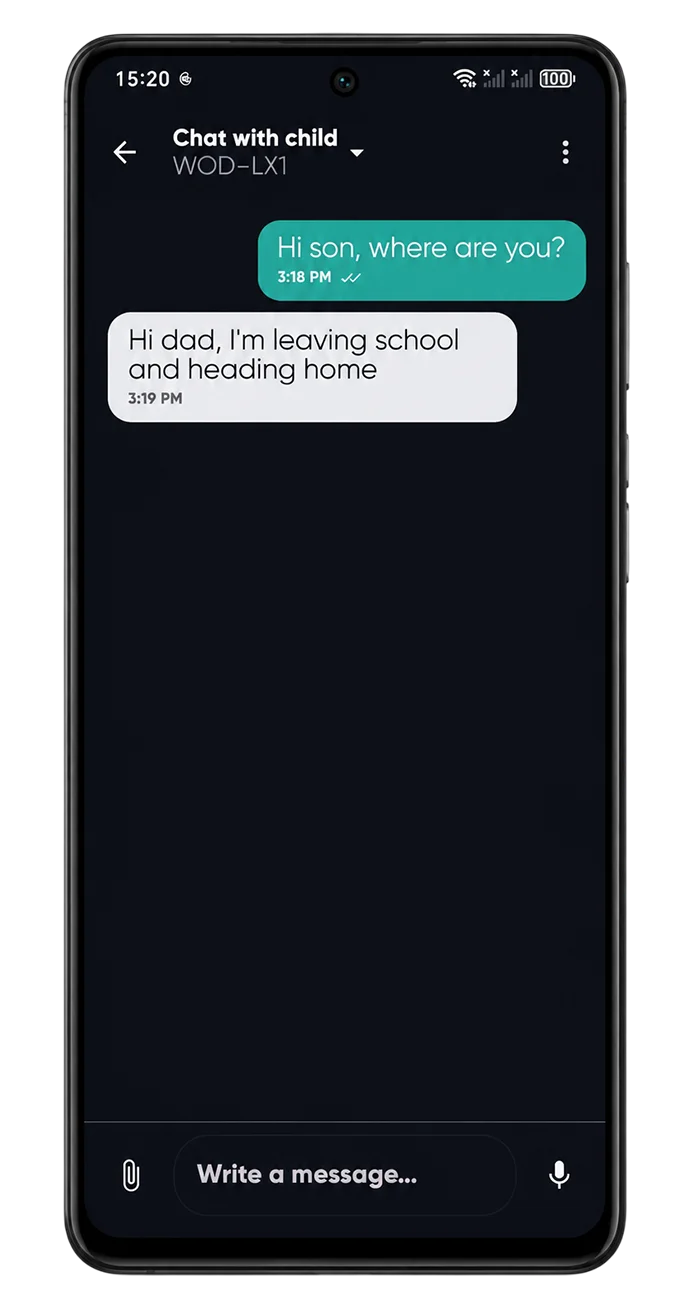
So we built a chat into CyberNanny. The idea is simple: if you use the app to talk as well as to look, it stops being a guard and becomes a family connection.
- A full chat: text, voice notes, photos, video and documents.
- Free and unlimited — deliberately not a premium feature.
- History is stored in the dashboard and survives a phone change.
- Works even when the phone is locked by schedule.
- A simplified mode with large voice buttons for younger children.
Why it reduces resistance
Families who actually use the chat almost never face attempts to delete the app. The mechanism is psychological: a tool a child uses themselves, for their own benefit, stops feeling foreign.
The practical side helps too. Children often need to send a quick "staying late at practice" or "need lunch money" — doing that in the same app where you can see their location creates a sense of a shared system rather than one-way observation.
It also removes the strongest teenage argument, "you don't trust me". The answer becomes concrete: the app is not only about control, it is how we stay in touch.
How to use it so it works
Message first, and not only about logistics. If the chat contains nothing but "where are you", it will be ignored. Memes, a photo of the dog, "how was the test" — that is what keeps a channel alive.
Put agreements in writing. "Extra hour today, phone goes off at 21:00 tomorrow" — a recorded agreement removes evening disputes about who promised what.
Use it instead of check-up calls. A teenager takes a message far better than a phone call in front of friends.
Try CyberNanny for free
Unlimited chat, location, geofences and screen time in the free plan.
Get the appFAQ
Is the chat really free?
Yes, with no limits on messages, voice notes, photos or history. Keeping a parent and child in touch should not depend on a subscription.
Where are messages stored?
On our servers with encryption, accessible only to you and your child. A copy of the history is visible in the parent dashboard.
Can we message when the phone is locked by schedule?
Yes. Chat and calls to parents work in every mode.
Does it replace WhatsApp or Telegram?
Technically it does the same things, but in practice children use both. The value here is that it lives inside the app already on the phone.
Is it suitable for younger children?
Yes — a simplified mode with large voice buttons can be enabled, recommended from around age six.