
CyberNanny vs Qustodio: An Honest Comparison
Qustodio is one of the best known parental control apps in the world, with a long history and a strong presence in review round-ups. We are asked how we differ often enough that it made sense to write the comparison ourselves — while being upfront that we are an interested party, which is exactly why we try to be precise about facts.
The short version: the basics overlap. The differences start with what happens to the data after it is collected, and with which devices you need to cover.
- Both cover location, screen time, app control and web filtering.
- Qustodio also covers Windows, macOS, Chromebook and Kindle — we are mobile only.
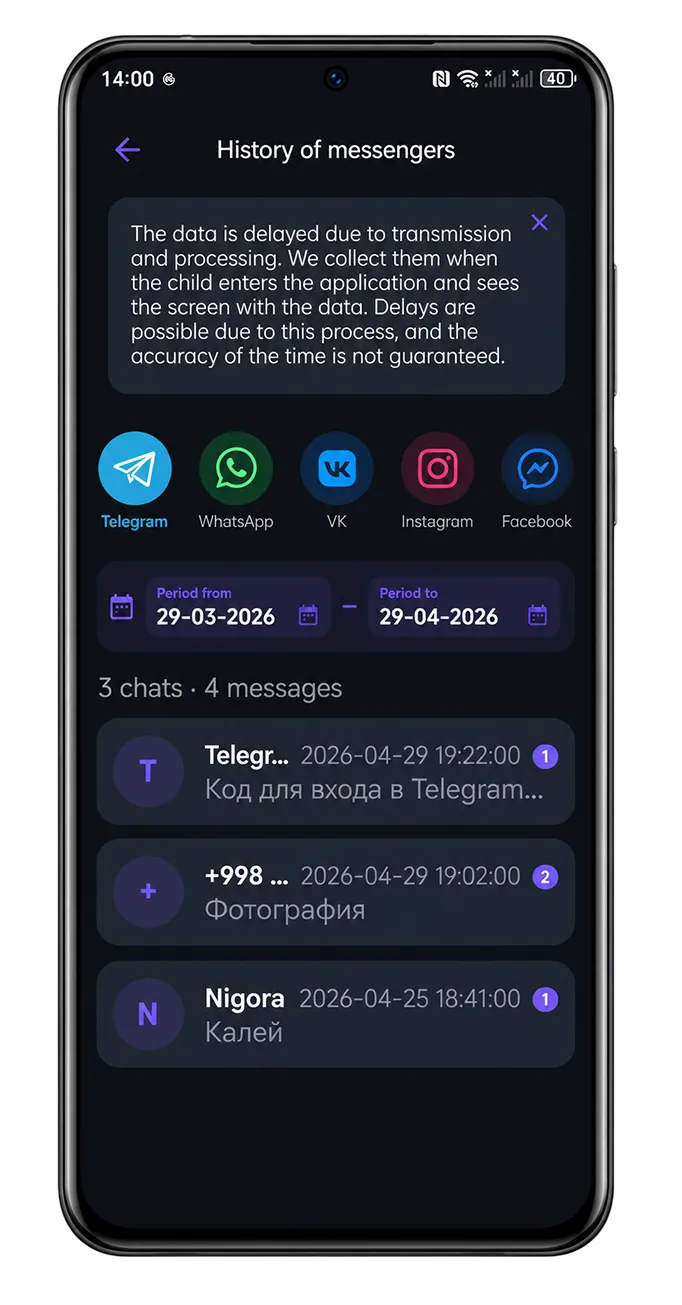
- CyberNanny shows message content and adds AI analysis; Qustodio does not read messages.
- Our AI Advisor explains the reports instead of just producing them.
- Our free plan is permanent and includes messengers; Qustodio's free tier is narrower.
Where Qustodio is genuinely stronger
- Device coverage. Windows, macOS, Chromebook and Kindle in addition to phones. If your child spends serious time on a laptop, that matters and we do not cover it.
- Maturity. Years on the market, a large support library and a well established place in independent reviews.
- Reporting depth for web and app activity, refined over many releases.
Where we are stronger
- Message monitoring. Qustodio can show you who your child talks to and for how long, but not what is said. CyberNanny shows the actual conversations on Android — see message monitoring.
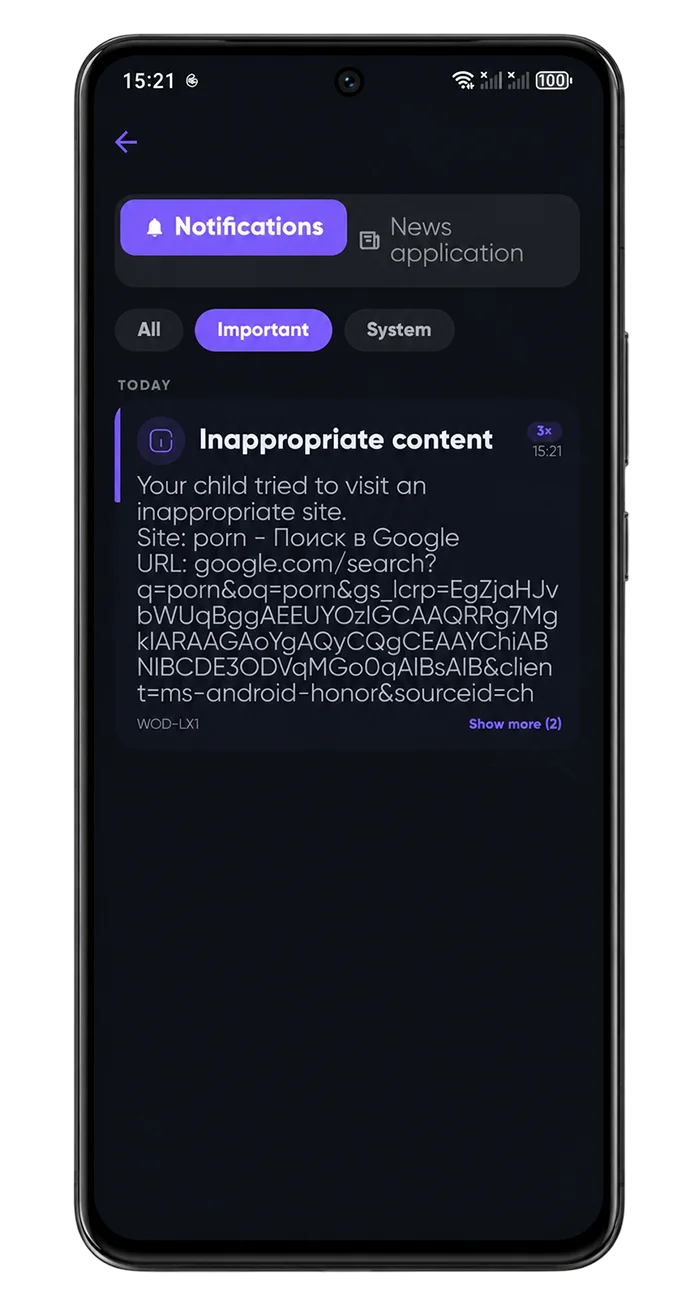
- AI alerts. The system flags grooming, bullying and scams by itself, rather than leaving you to scroll. Without that, most parents simply never read the chats.
- AI Advisor. Both apps will tell you your child spent four hours on the phone. Only one explains whether that is normal at their age and how to raise it without a fight — see the AI Advisor.
- Ambient sound. Hearing what is happening around your child when they do not answer — a feature aimed at emergencies.
- A permanent free plan that includes messengers, location, screen time and removal protection.
Comparison table
| Feature | CyberNanny | Qustodio |
|---|---|---|
| Location and geofences | Yes | Yes |
| Screen time and schedules | Yes | Yes |
| Web filtering | Yes | Yes, a strength |
| Windows, macOS, Chromebook | No | Yes |
| Message content | Yes (Android) | No |
| AI alerts and AI Advisor | Yes | No |
| Ambient sound | Yes | No |
| Permanent free plan | Yes, broad | Limited |
Features change over time, so check current details on each vendor's site before you buy — we keep this table current but cannot speak for changes on their side.
Which one fits you
Choose Qustodio if your child uses a laptop or Chromebook as much as a phone, and content filtering is your main concern.
Choose CyberNanny if the phone is where your child's life happens and your worry is less about hours and more about who they are talking to — and if you want an app that interprets the data rather than dumping it on you.
Other comparisons: vs Bark and vs Life360.
Try it yourself — free
A permanent free plan plus 7 days of full PRO access when you connect a device. No card required.
Get the appFAQ
Which is better, CyberNanny or Qustodio?
Qustodio wins on device coverage and web filtering. CyberNanny wins on message monitoring, AI analysis, ambient sound and the breadth of its free plan.
Does Qustodio show what my child writes in messages?
It reports who they communicate with and how much, but not the content of conversations.
Does CyberNanny work on a computer?
No, we focus on mobile devices. If laptop control matters to you, Qustodio is the more practical choice.
Can I use both at once?
We would not recommend it: two control apps on one phone compete for background execution and noticeably increase battery drain.
Which has the better free plan?
Ours is permanent and includes location, geofences, messengers, screen time and removal protection. Qustodio's free tier is narrower.