
AI alerts for risky content — how CyberNanny detects bullying, strangers and risks
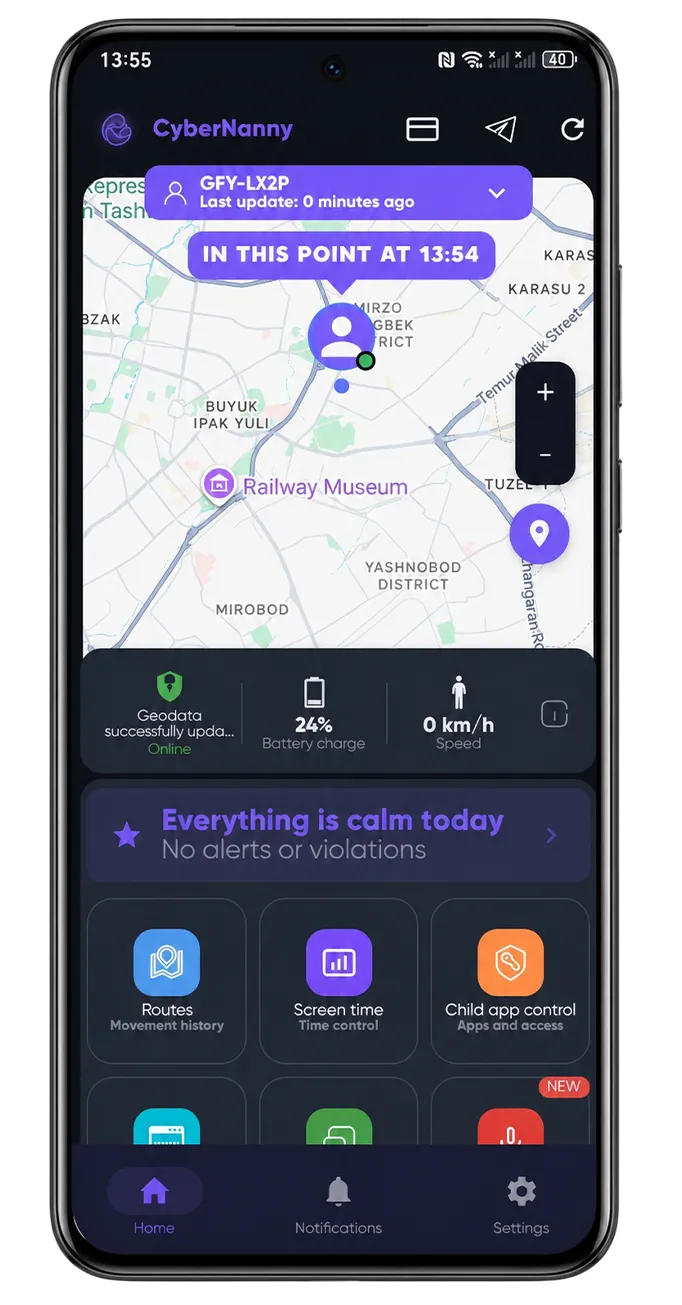
Most parents can't read every message their child sends. They shouldn't have to — it's too much. But there are critical signals to catch immediately: when an adult stranger messages the child, when dangerous challenges come up, when signs of bullying appear. CyberNanny AI alerts do this automatically.
What AI detects
- Bullying — insults, threats, exclusion from group
- Contact with strangers — especially adults, especially meetup attempts
- Dangerous challenges — risky TikTok challenges, "games" like Blue Whale
- Drug discussions — mentions, slang, purchase attempts
- Self-harm talk — depression signs, suicidal thoughts
- Sexual content — adult material, harassment
- Financial risk — scammers, attempts to extract money or card data
How it works
AI analyzes the child's chats every 5 minutes. When it finds a concerning fragment:
- Classifies the risk type (bullying / stranger / challenge / etc.)
- Determines severity (low / medium / high)
- Creates an alert in the parent cabinet
- Sends a push notification
Time from event to parent notification — usually 5-15 minutes. For high-severity events, faster prioritization.
False positive protection
AI is trained to distinguish real context from teenage jokes. "I'll kill you" in a friends' joke chat won't trigger an alert; the same phrase from an adult stranger will.
Each alert can be marked "not relevant" — AI learns from your marks and adapts to your family's vocabulary.
Free plan
- 1 full alert per month — with details: who wrote what and when
- Other alerts masked — parent sees that something was found, but without details ("⚠️ Risky event found — open PRO to see")
PRO
- All alerts with full details — no masking
- Alert history — past months
- Extended categories — financial risk, sexual content, scammers
- AI Advisor integration — ask "what to do" right after an alert
Data security
Message contents are not stored in the AI model or used for training. Analysis happens on our server; result (alert + metadata) goes to the parent cabinet.
How to enable
AI alerts work automatically for all CN users. No setup required. To disable — Settings → Notifications → AI alerts.
Questions — @cybernanny_support.