
Big CyberNanny update 2026: watched videos, notifications and the Activity screen
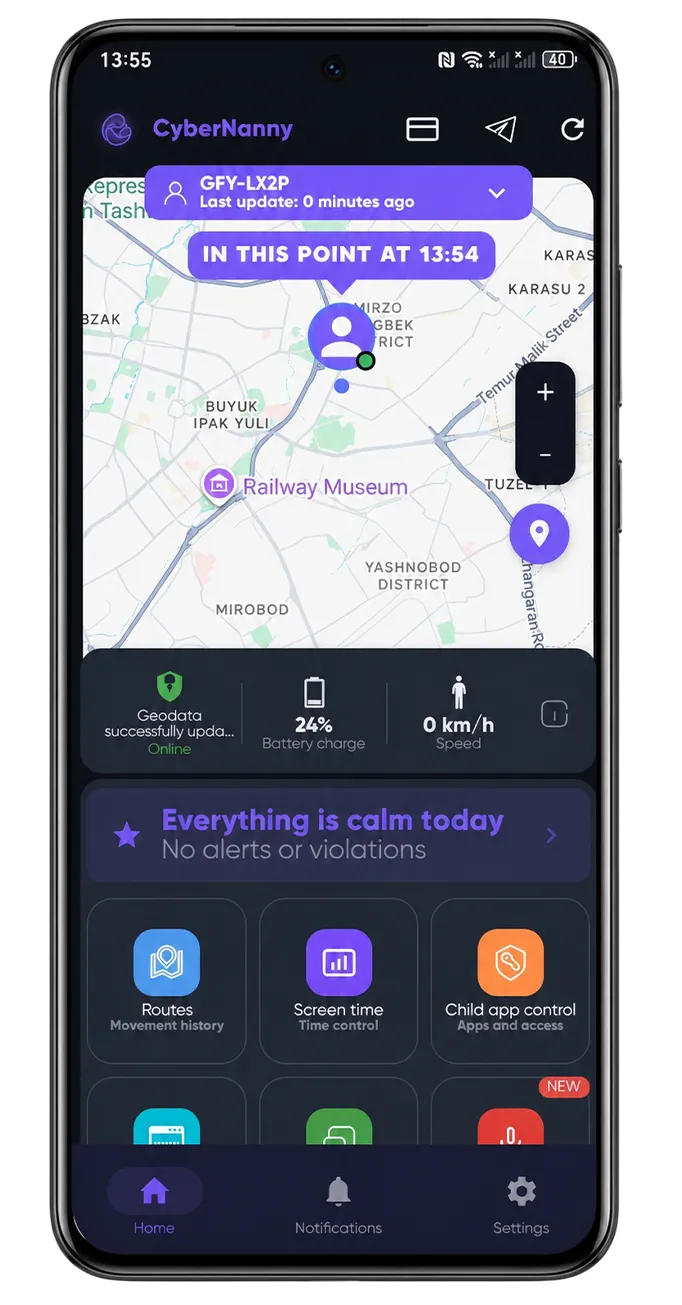
We've released a big CyberNanny update — it's already on Google Play. We added what parents had long asked for: watched-video history, notification interception, a new Activity screen and a few more tools. Everything runs on permissions you've already granted — nothing extra to set up.
🎬 Watched-video history
Now you can see what your child watches on YouTube, RuTube and VK Video — the video title and the channel. This helps you spot unwanted content in time: age-restricted videos, dangerous challenges, questionable bloggers. No need to check the history manually — it's collected automatically in your dashboard.
🔔 App notifications
CyberNanny shows the notifications that arrive on your child's phone — from messengers, games, social networks. You see the notification title, its text and the app name. This gives you a picture of which apps are active and who is messaging your child, even when the chat happens in an app that can't be read directly.
📊 The Activity screen
The new screen shows what's happening with the phone right now: which app is open, whether a VPN is connected (often used to bypass blocks), whether the device has potentially risky apps (anonymizers, dating, betting), which Wi-Fi network the child is on, and whether Bluetooth headphones are connected. One glance tells you what your child is up to.
🔇 Silent mode and schedule
One tap puts your child's phone into silent mode — handy during classes or sleep. And the sleep & study schedule lets you set in advance when the phone should be quieter and under control.
🌐 Web filter and video control
The web filter blocks categories of sites (18+, gambling) without complex setup. Video control lets you limit specific video platforms — YouTube, TikTok, Instagram, VK, RuTube and others — if your child spends too much time on them.
📷 Photo on command
You can request a photo from your child's phone camera to make sure everything is fine. The shot is taken only when the screen is on. This feature is part of PRO.
What's free and what's in PRO
Watched-video history, app notifications, the Activity screen, silent mode, schedule, web filter and video control are available for free.
The PRO subscription includes the smart features: the AI Advisor with no limits, AI alerts for risky content without masking, the full weekly AI report, route history, photo on command and an unlimited number of devices.
How to update
Open Google Play and update CyberNanny to the latest version — all new features appear right away. If the app isn't installed yet, get it on Google Play and connect your child's device via QR code.
Questions and feedback — supports@thecybernanny.com or on Telegram @cybernanny_support.