
CyberNanny vs Life360: Location Is Not the Whole Picture
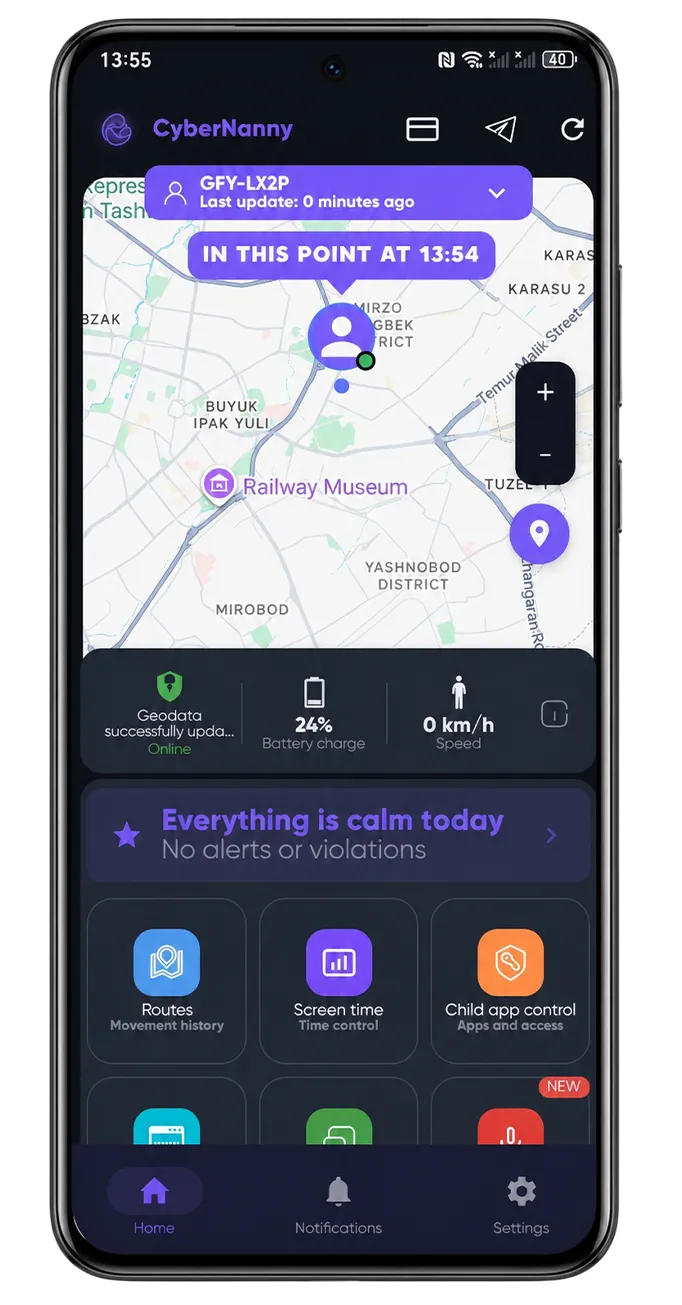
Life360 is the best known family locator in the world, and it is genuinely good at what it does. The important thing to understand before comparing is that it solves a different problem: Life360 answers "where is everyone", while a parental control app answers "what is happening on my child's phone".
For many families the honest answer is that they need the second one — and discover it only after something happens in a chat rather than on a road.
- Life360 is a family locator: location, driving reports, crash detection, roadside help.
- CyberNanny is parental control: location plus messages, screen time, app blocking and AI alerts.
- Life360 works for the whole family including adults; we are built for the parent–child relationship.
- Life360's driving safety features are excellent and we have nothing comparable.
- Most online risks to children happen in chats, which Life360 does not cover.
Where Life360 is genuinely stronger
- Driving safety. Speed, hard braking, phone use while driving, crash detection and roadside assistance. For families with a teenage driver this is the single strongest argument, and we offer nothing like it.
- Whole-family model. Adults track each other by mutual consent — a use case we deliberately do not build for.
- Polish and scale. A mature product with an enormous user base.
Where we are stronger
- Messages. Life360 does not show what your child writes or who writes to them. Most real risks — grooming, bullying, scams — live exactly there. See message monitoring.
- AI alerts for dangerous conversations.
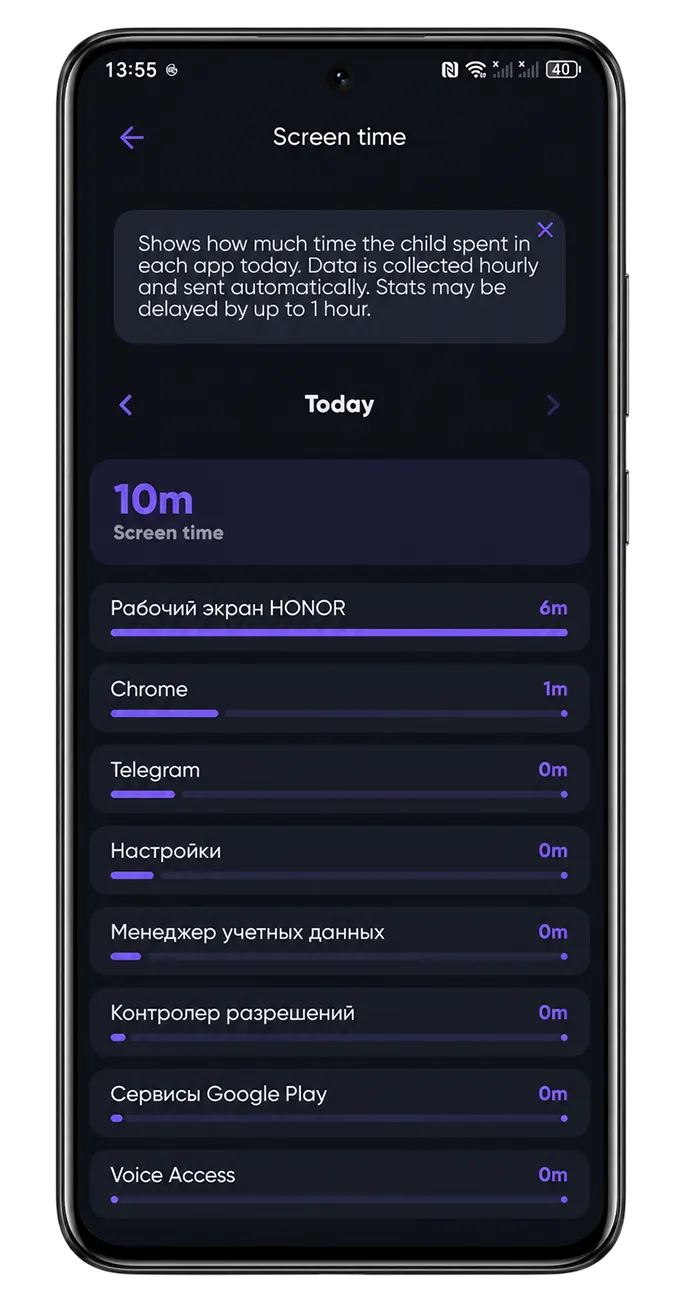
- Screen time and app control — limits, schedules, blocking. See screen time and app blocker.
- Web filtering by category.
- The AI Advisor, which interprets what the data means.
- Ambient sound when your child does not pick up.
Comparison table
| Feature | CyberNanny | Life360 |
|---|---|---|
| Live location and geofences | Yes | Yes, a strength |
| Driving reports and crash detection | No | Yes |
| Messages and chats | Yes | No |
| Screen time and app blocking | Yes | No |
| AI alerts and Advisor | Yes | No |
| Web filtering | Yes | No |
| Adults tracking each other | Not our focus | Yes |
Which one fits you
Choose Life360 if your main concern is where family members are and, especially, if you have a teenager who drives. Its driving safety features are the best reason to pick it.
Choose CyberNanny if your child is younger than driving age and your worry is what happens inside the phone — who writes to them, how much time disappears into games, what they run into online.
Some families use both, and that works: they overlap only on location. Other comparisons: vs Qustodio and vs Bark.
Try it yourself — free
Location, geofences, messengers and screen time in a permanent free plan. No card required.
Get the appFAQ
Is Life360 a parental control app?
It is primarily a family locator. It covers location and driving safety very well, but not messages, screen time, app blocking or web filtering.
Does Life360 show my child's messages?
No. If that is what you need, you need a parental control app rather than a locator.
Does CyberNanny have driving reports?
No. If you have a teenage driver, Life360 is stronger on exactly that.
Can I use both apps together?
Yes — they overlap only on location, so the combination is workable. Be aware that two location apps together will use more battery.
Which is better for a younger child?
For a child who does not drive, the risks are mostly online, so a parental control app covers more of what actually matters.