
How to Remove the App and Delete Your Account
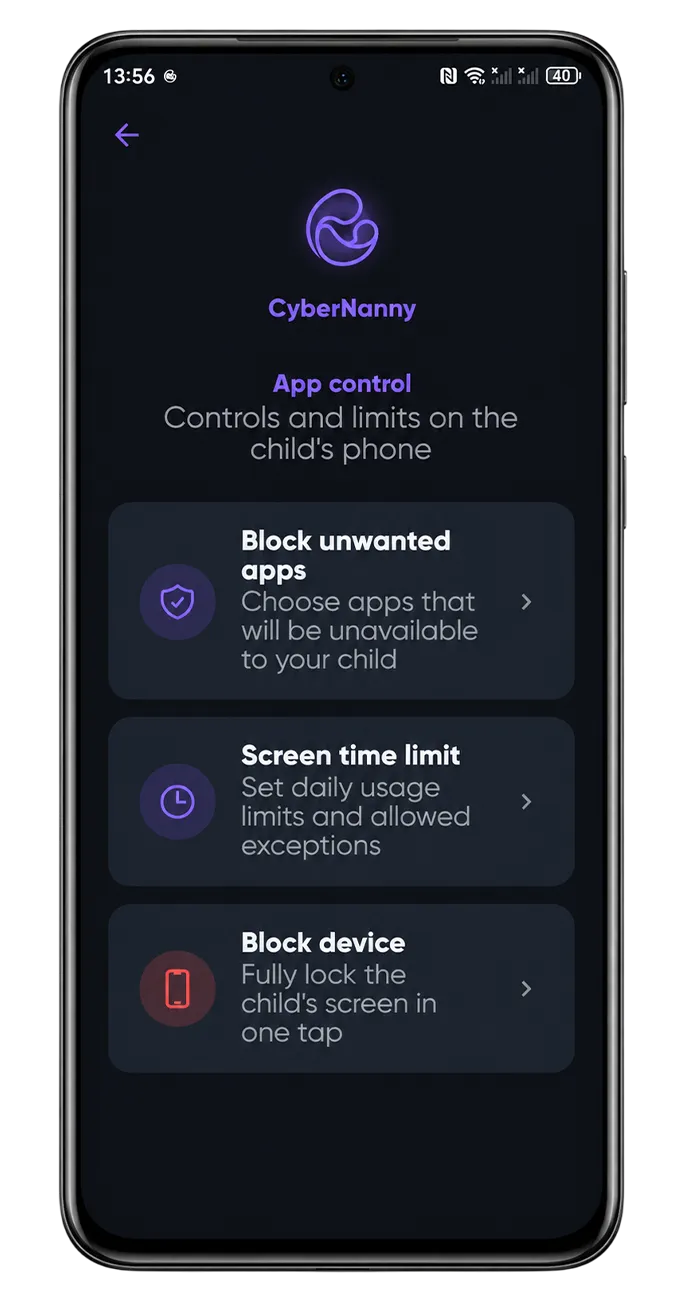
Removing the app from your child's phone
- In the parent dashboard open the child profile → Devices.
- Turn off removal protection for that device.
- Tap Unlink device.
- On your child's phone uninstall the app normally.
If protection will not switch off, confirm you are signed in to the account the device is linked to and that the phone is online — the command has to reach it.
What happens to the data
- The device disappears from the dashboard and stops sending data.
- History and profile settings are preserved — reinstalling restores everything.
- The subscription is not cancelled automatically: see how to cancel.
Deleting your account entirely
This is irreversible — history cannot be restored afterwards.
- Cancel the subscription first if it is active — deleting the account does not stop store billing.
- Remove the app from your child's phone as described above.
- Save anything you need, such as route history — it will be unavailable afterwards.
- Send a request from the email the account is registered to, via Telegram or the contact form.
Requests from a different email cannot be actioned — that protects accounts from being deleted by someone else.
What is erased
Parent and child profiles, location and route history, messenger data and app statistics, family chat messages, and all limits, geofences and filter settings. Certain records such as payment documents are retained for the period required by law — see our privacy policy.