
Location Is Inaccurate or Not Updating
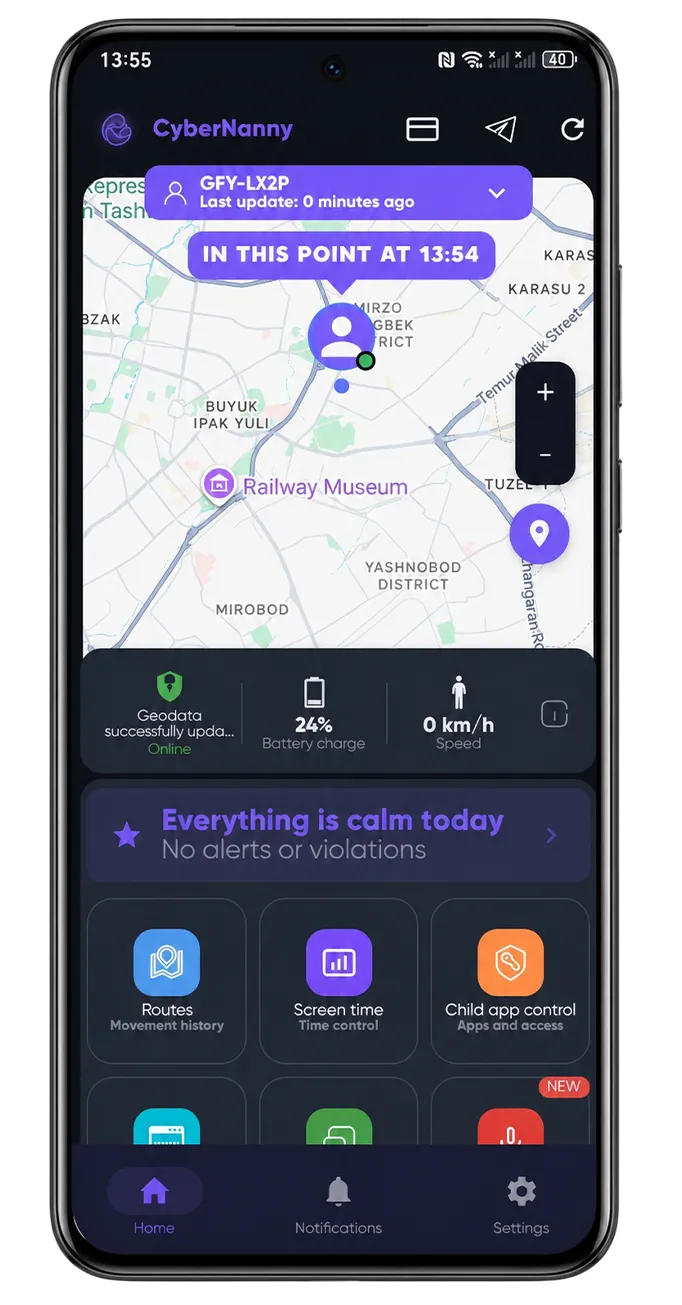
First separate two cases: coordinates not updating (the timestamp is frozen) versus updating but showing the wrong place.
If coordinates are not updating
- Check the location permission. It must be "Allow all the time", not "only while using the app".
- Check internet on your child's phone. Offline, points queue and upload later.
- Remove battery restrictions. The most common cause on Android — see why the app stops sending data.
- Check that a full power-saving mode is not on.
- Check location is enabled in the phone's quick settings — your child may have switched it off.
If the position is wrong
- The phone is indoors. In a mall or basement satellites are unavailable and position is estimated from cell towers and Wi-Fi, with errors of hundreds of metres. Normal, and it resolves outdoors.
- GPS accuracy mode is reduced. Set the phone's location mode to high accuracy.
- Dense urban buildings. Signals bounce and the point can jump a street over.
On iPhone
iOS manages background location more strictly, so updates arrive less often than on Android. Confirm location is set to "Always" and Background App Refresh is on.
How the map and geofences work: GPS tracker.