
Why the App Stops Sending Data
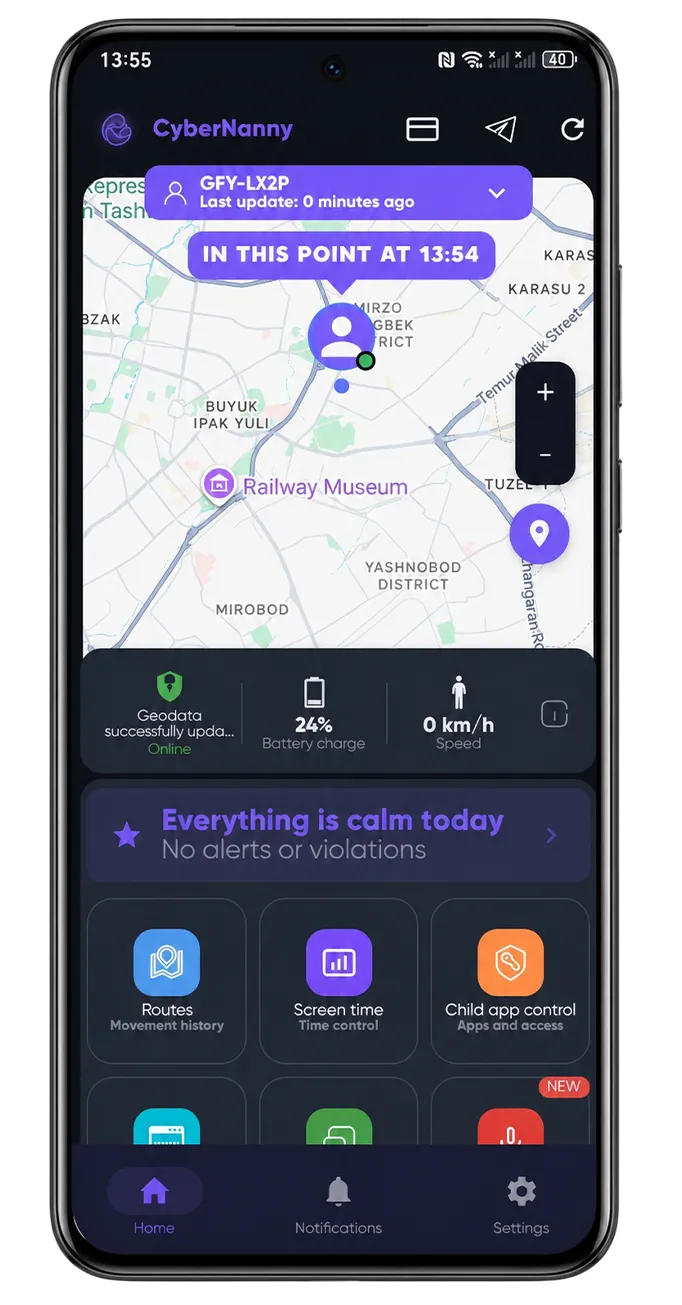
If data was arriving and then stopped, in nine cases out of ten the cause is not the software but the power-saving system on your child's phone.
What happens
Android manufacturers compete on battery life and unload apps the user has not opened manually for a while. A parental control app runs in the background, so from the system's point of view it looks unused — and it is among the first to be dropped.
The symptoms are always the same: the map position freezes, notifications stop, screen time statistics cut off mid-day.
What to disable
Set this once on your child's phone. Names differ by brand, the meaning does not:
- Battery optimisation for CyberNanny — "Don't optimise" / "Unrestricted".
- Autostart — allow.
- Background activity — allow.
- Lock in memory (the padlock in the recent apps list) — enable.
Brand-specific steps: settings by phone brand.
How to verify
Lock your child's phone and wait an hour without opening the app. Then check the dashboard: if the last update timestamp is recent, the issue is resolved.
If it persists, check whether a full power-saving mode is enabled — in that mode the system limits background processes regardless of per-app settings.