
My Child Deleted the App
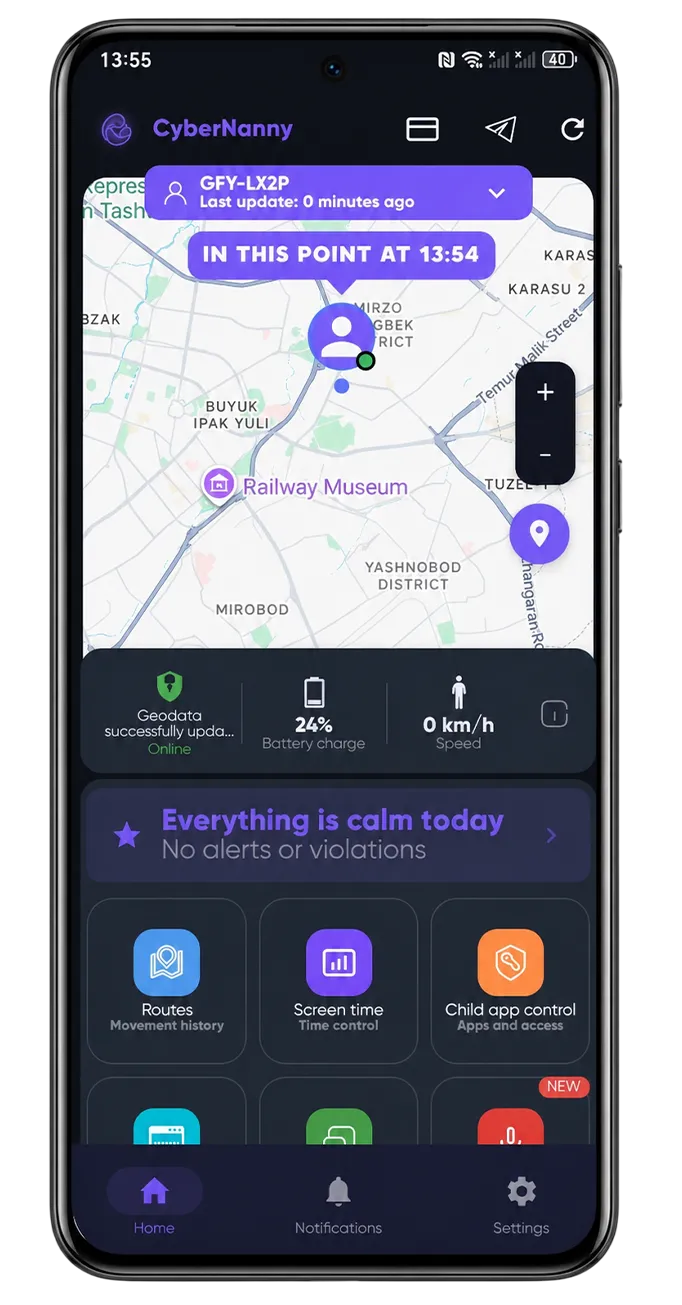
How removal protection works
Protection is part of the free plan: CyberNanny cannot be uninstalled from your child's phone without the parent PIN, and you receive a notification when someone tries.
No app can make removal impossible — a factory reset wipes everything, including any parental control. But that is a conspicuous action you will notice.
If the app is genuinely gone
- Check the dashboard: the device will show as inactive and the last update time frozen.
- Make sure it is removal and not the app being unloaded by battery optimisation — the symptoms look alike. See why the app stops sending data.
- Reinstall and pair the phone to the same child profile — history and settings are preserved.
- Grant the permissions again.
What matters more than the technical part
An attempt to delete the app is a message, not a malfunction. It usually means one of two things: your child finds the rules unfair, or there is something they want hidden right now.
Treating it as "you broke the rule, here is the punishment" starts an arms race — they look for new workarounds, you add new blocks. What works is asking what exactly bothers them and revisiting the agreement together. Often it turns out to be something small: a limit set without discussion, or a blocked app the whole class uses.
It also helps when the app does something useful for your child — a family chat noticeably reduces the motivation to remove it.