
Notifications Are Not Arriving
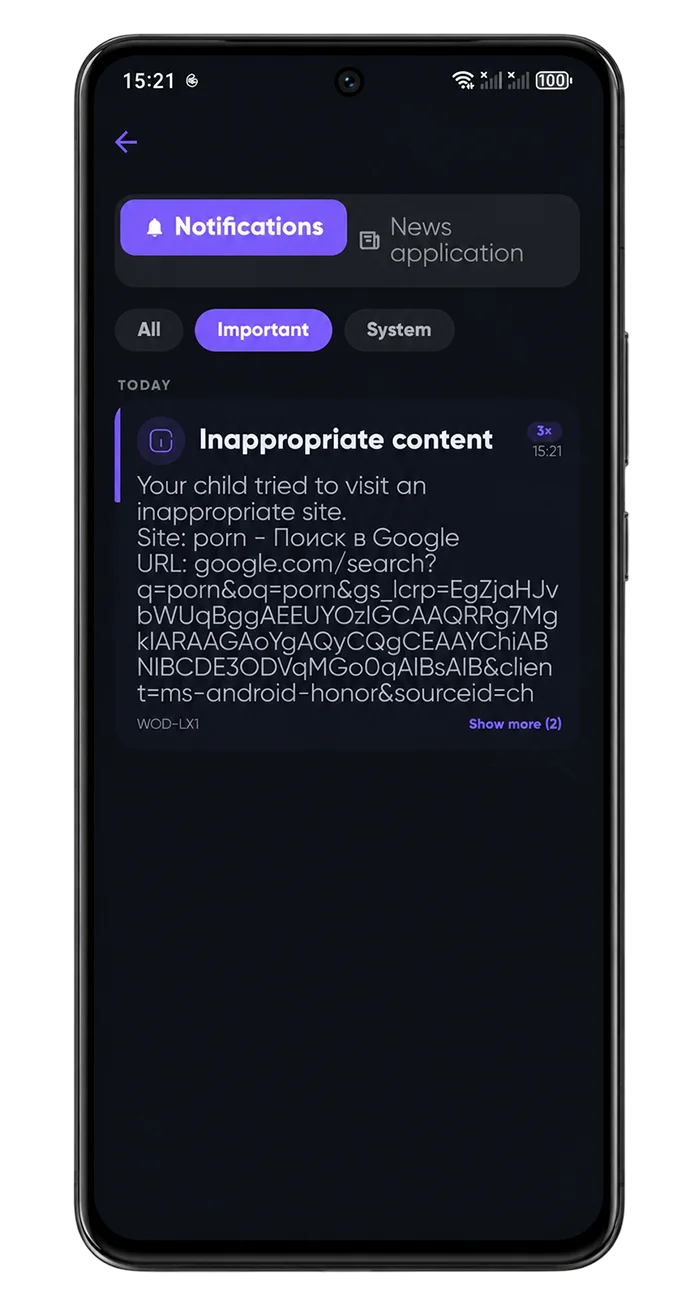
Notifications travel a chain: your child's phone records an event → the server processes it → your phone shows a push. Any link can break, so check both devices.
On your phone
- Settings → Apps → CyberNanny → Notifications — enabled?
- Check Do Not Disturb or Focus is not active.
- Confirm the notification types you want are enabled in the app: geofences, AI alerts, new app installs.
- Remove battery restrictions for the parent app too, or pushes arrive late.
On your child's phone
- Notification access — the key permission for messengers and AI alerts. The dashboard highlights it if missing.
- Background activity. If the system unloaded the app, events are never recorded — see why the app stops sending data.
- Internet. Offline, events queue and arrive late.
About geofence alerts specifically
They depend on location updates: if coordinates are frozen, no crossing is detected. Check the map first — location troubleshooting.
About AI alerts specifically
On the free plan the first alert of each month arrives with full details and the rest are masked — that is not a fault. See AI alerts.